I wanted one app that finds my movies and shows, identifies them, fetches the artwork, tracks what's coming, optionally grabs it, and plays it — and is genuinely pleasant whether I'm at my desk or on the couch.
01The frustration
Most self-hosted media setups are four services in a trench coat. Sonarr for shows, Radarr for movies, Prowlarr for indexers, and a separate player to actually watch the result. Each is genuinely powerful — but it's a lot to wire up, keep talking to each other, and babysit when one of them drifts out of sync.
And the big media servers solve a different problem than the one I had. They're built to stream to every device in the house — phones, tablets, smart TVs, the works — transcoding on the fly to make that happen. That's impressive engineering, and overkill when all I want is to play something on the machine that's already in front of me.
02The bet
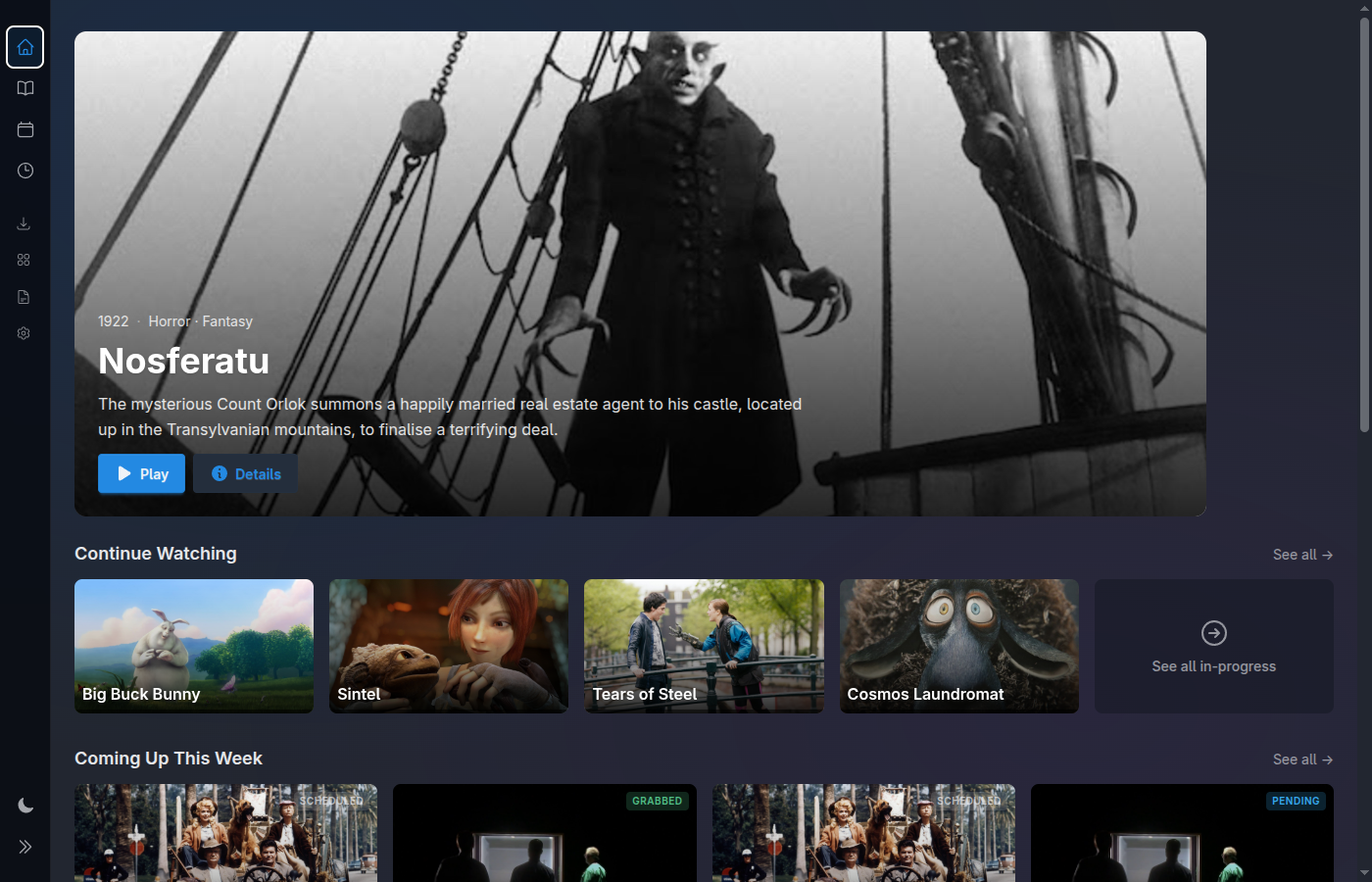
So the bet is simple: one app that does the whole pipeline. Find the files, identify them against TMDB, pull down artwork, track upcoming releases for the shows you own, optionally grab new ones, and play everything locally. No glue between four daemons — one Elixir app, one SQLite file, one thing to run.
The other half of the bet is posture. It has to be pleasant from both a desk and a couch — keyboard-fast when I'm working at the machine, gamepad- and remote-friendly when I've sat back ten feet away. Same library, same controls, two ways to lean.
03The philosophy
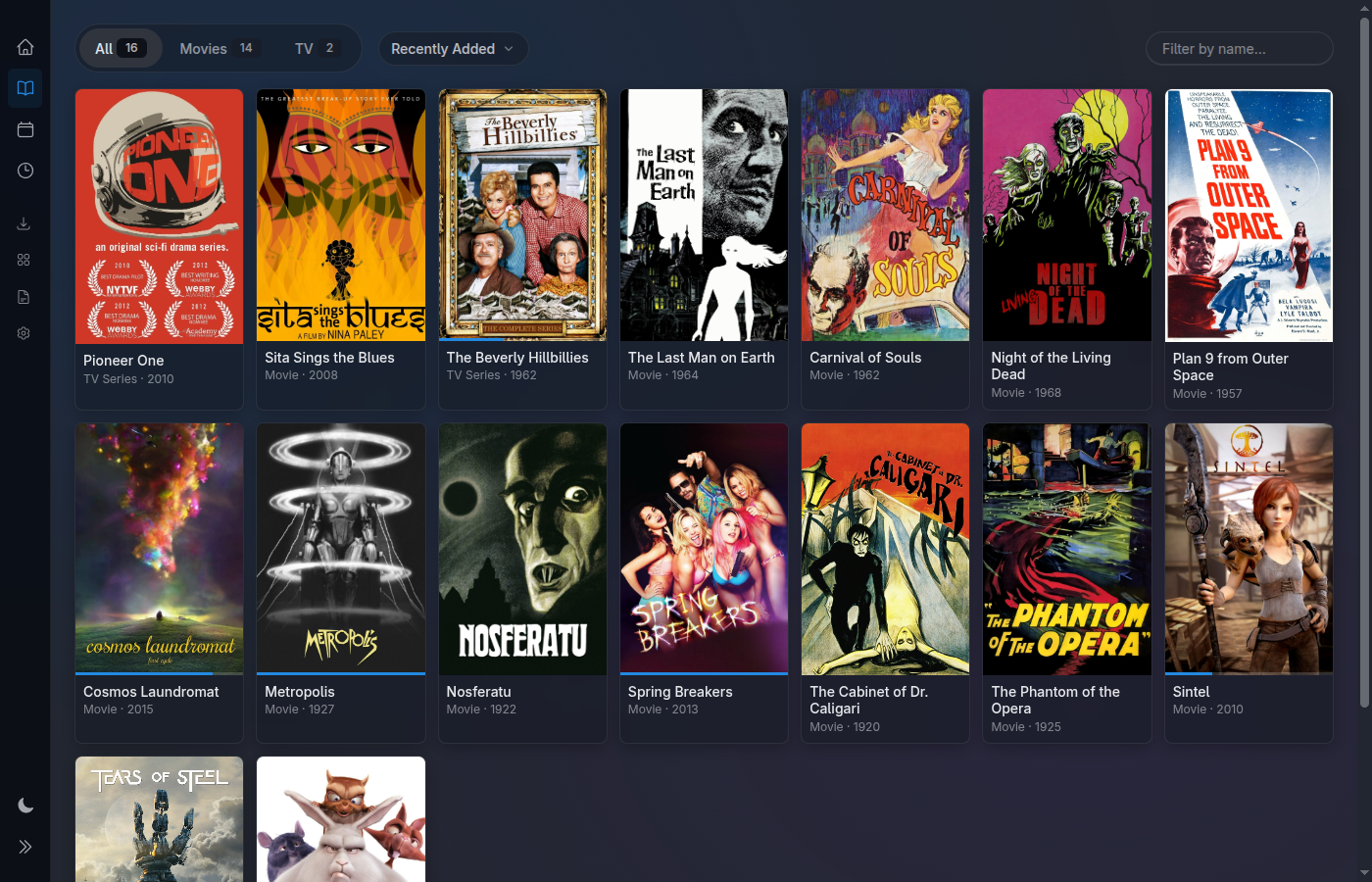
I'm not going to reinvent a video player. There's already a great one: mpv. So Media Centaur hands decoding and subtitles off to mpv — ASS typesetting, PGS image subs, every awkward codec — and focuses on everything around playback: the library, the metadata, the review queue, the release calendar, the couch overlays. Do one thing, and lean on the best tool for the rest.
- Local-first. It runs on your hardware. Nothing phones home except the TMDB lookups you ask for.
- Single-user. For the person at the keyboard or on the couch — no accounts, no profiles, no access control to manage.
- Yours. A plain SQLite database you can read, back up, and move. MIT-licensed, source in the open.
04The craft
Under the hood it's Elixir and Phoenix LiveView, which means the whole UI is real-time by default — a scrape finishes, a download lands, an episode gets marked watched, and the screen updates itself. No polling, no refresh button. That same foundation is what lets me raise the interface page by page without taking features away or breaking what already works.
05Where it stands
I want to be honest about the stage: it works end to end today, but it's past 1.0 and developed in the open on GitHub. The interface is actively being raised, surface by surface, while everything stays operational. If you try it and something's rough or missing, bug reports and ideas are genuinely welcome — that feedback is shaping where it goes.