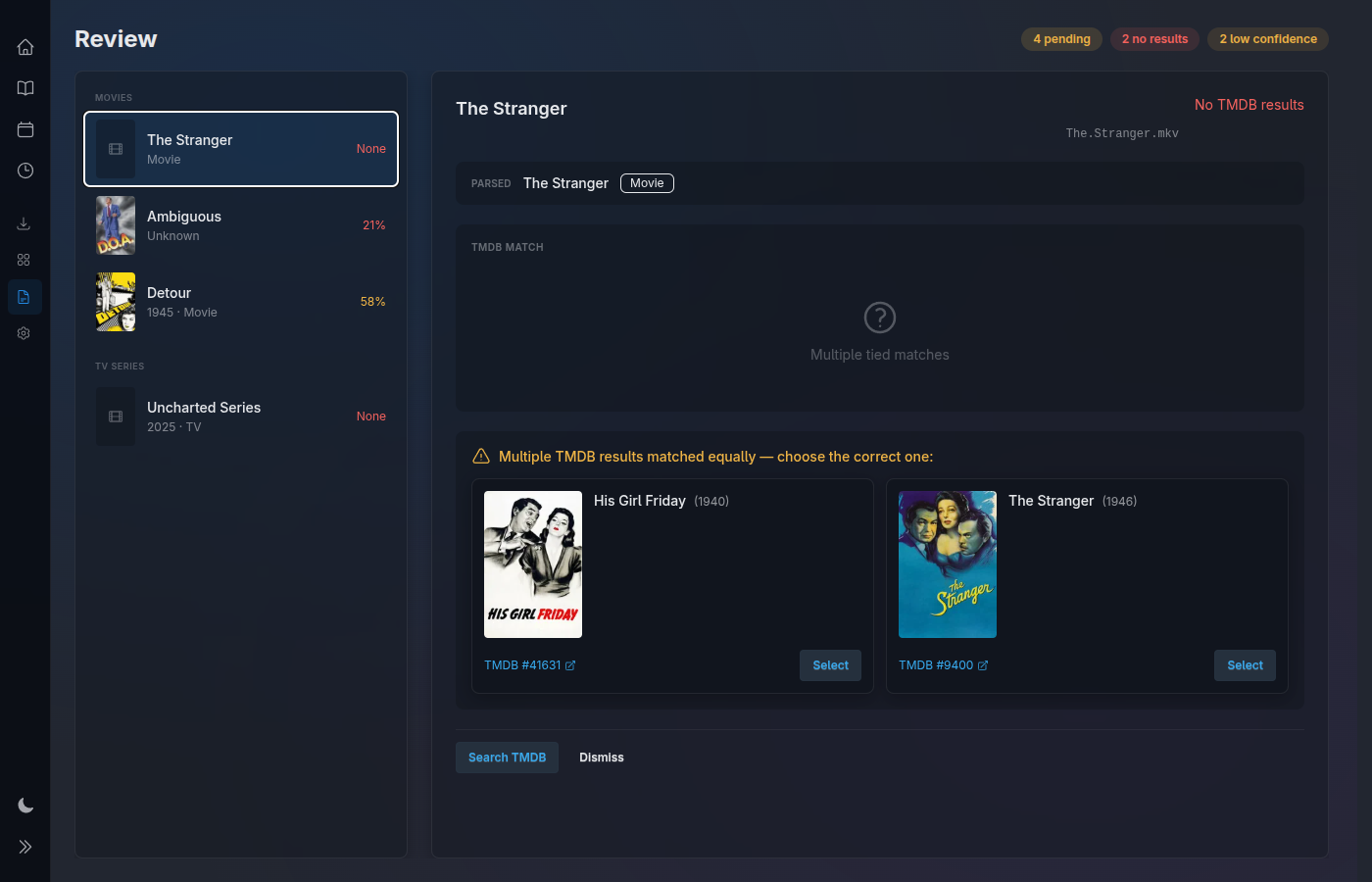
Open it fullscreen in a chromeless browser — no tabs, no address bar — and there's no sign it's a browser at all. On your TV or your desktop it presents like a native application: instant, reactive, every surface always live. Phoenix LiveView is the reason it feels that way.
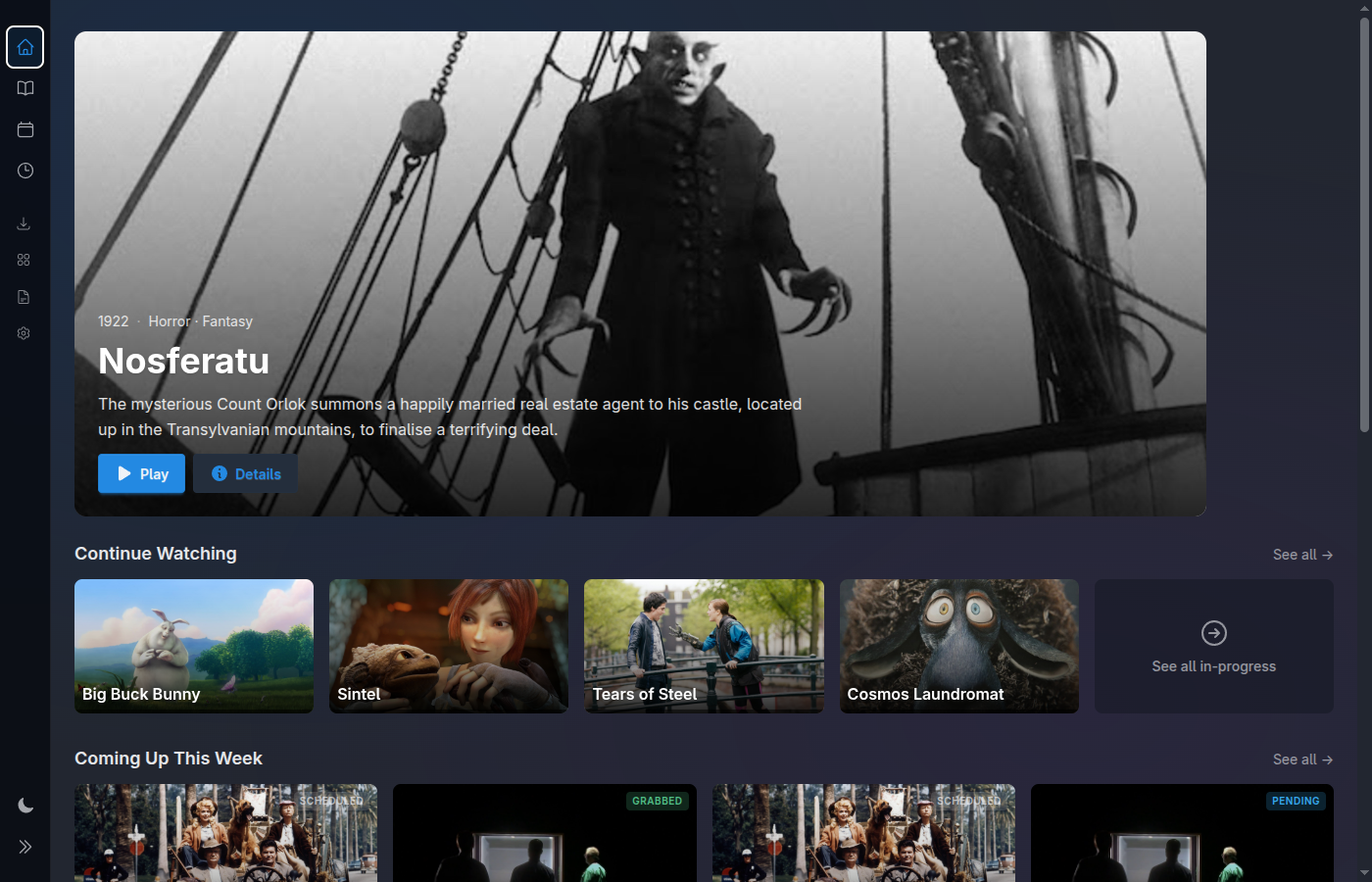
Live · fullscreen
Media Centaur is built to run chromeless — fullscreen kiosk mode, no tabs, no address bar, no browser chrome of any kind. On a TV across the room or a desktop at your desk, nothing gives away that there's a browser underneath. It simply looks and behaves like a native desktop application.
And it feels native too: interactions respond the instant you make them. No page reloads. No spinners. No loading… Click, navigate, scrub a status — it answers immediately, the way a real desktop app does, because the screen is never rebuilt from a fresh request.
The same thing that makes it feel native is the thing that keeps every surface live. Phoenix LiveView holds your UI state on the server and pushes diffs over a persistent connection — so the screen updates in real time without ever polling or refreshing. That's why it's reactive and always current.
Interactions respond immediately — no page reloads, no spinners, no loading… The screen reacts the instant you act, exactly the way a desktop application does.
The whole UI runs on Phoenix LiveView over a persistent connection. State lives on the server and diffs are pushed to the browser — the same mechanism that makes it feel native keeps it live.
The library, the review queue, download activity, the home rows — all of it updates itself. Open a screen and walk away; it stays right even as the library changes behind it.
There is no refresh button and nothing hammering the server on a timer. Changes are pushed once, to exactly the surfaces that care — efficient and instant at the same time.
A sample of the events that flow through the system — each one lands on the relevant screen the instant the backend produces it, with no action on your part.
Download activity is the clearest tell: a grab moves from Grabbed to Pending to landed without you touching anything. The same liveness runs under the library, the review queue, and the home rows.
Resolve a low-confidence match and the review queue updates in place — no reload to see the count drop, no stale row lingering. Whatever changes the state pushes the new state straight to the screen.
Because it's push, not poll, an idle screen costs nothing and a busy one stays perfectly current. One persistent connection does the work a refresh button used to.
Downloads the latest release, verifies its checksum, installs atomically, and sets up a service unit. Open it, drop a file in a watched directory, and watch the library fill in live.
curl -fsSL https://raw.githubusercontent.com/media-centaur/media-centaur/main/installer/install.sh | sh
Watches your directories, identifies titles via TMDB, downloads artwork; low-confidence matches wait for review.
Learn moreLaunches mpv locally, resumes where you left off, auto-advances episodes, world-class subtitles.
Learn moreMonitors TMDB daily for upcoming movies and new seasons of the shows you own.
Learn moreSearch and queue downloads via Prowlarr. Entirely optional; bring your own indexers.
Learn moreKeyboard at the desk, gamepad or remote on the couch. Large artwork, dark-first, readable focus.
Learn moreThe whole pipeline end to end — watch, identify, art, review, track, play.
Learn more