Back to home Feature · Playback

Press play. It just resumes.

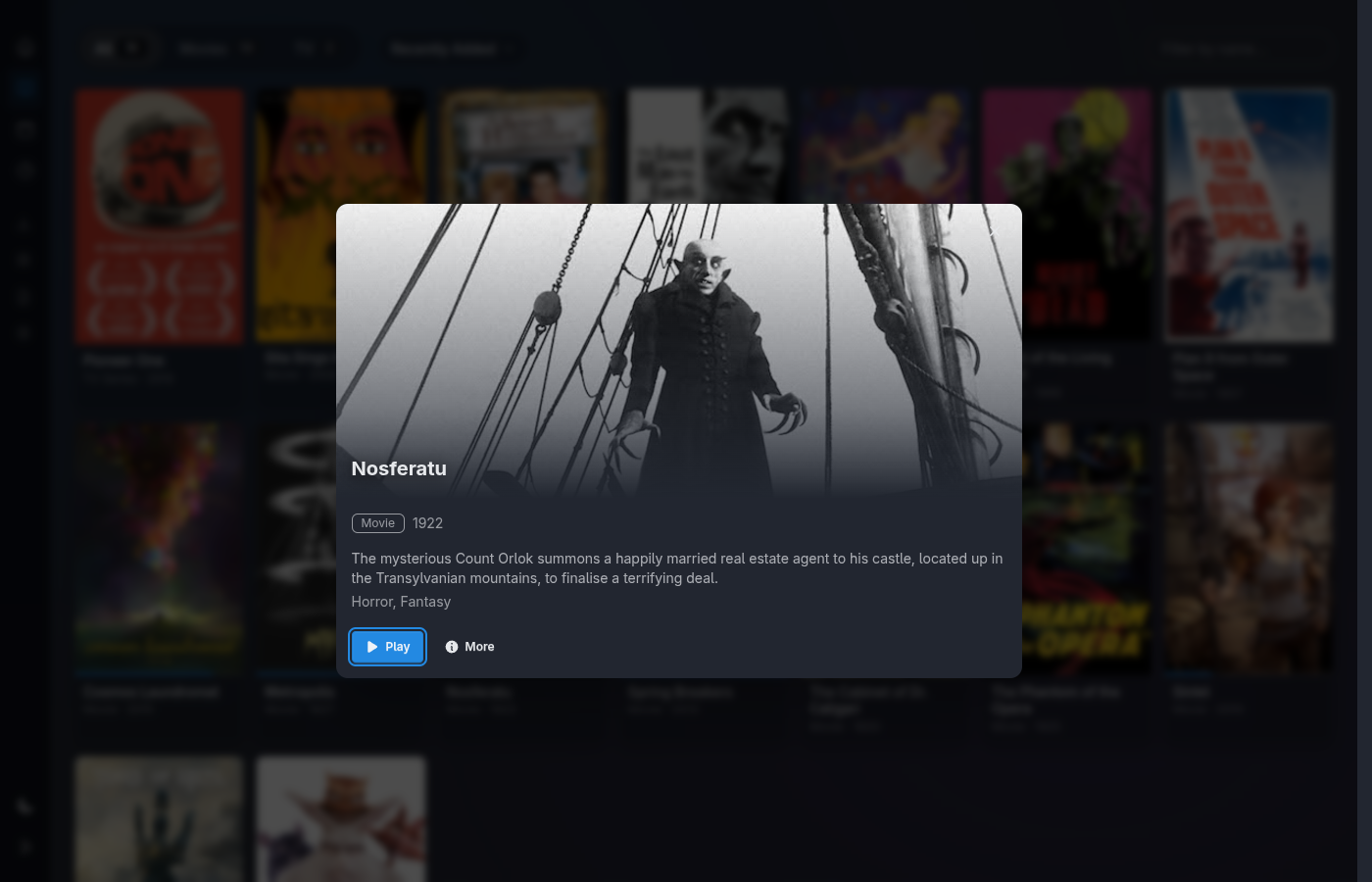
Media Centaur launches mpv on the machine it's running on — the same box driving your TV — tracks how far you got, and picks up exactly where you left off. When an episode ends, the next one is already queued.
Local mpvResume & auto-advanceASS · SRT · PGS/SUP
Install All features
Movie detail view with resume affordance
The mechanics

One press, the whole session handled.

Playback isn't a bundled video element pretending to be a media center. It's an orchestration layer over a world-class player — Media Centaur decides what to play and where you are; mpv does the decoding.

Launches mpv locally

Selecting a title starts mpv on the local machine with the exact file on disk — no browser plug-in, no embedded player, no streaming hop. The browser UI is the remote; the screen is wherever mpv is.

Resumes where you left off

Progress is written back continuously over the IPC socket, so closing mpv mid-scene is fine — your next press picks up at the same frame. Finished titles are marked watched automatically.

Auto-advances episodes

When an episode ends, the next one in the season is already queued. Binge a series without reaching for anything — the library knows the order and keeps it rolling.

World-class subtitles

mpv renders ASS typesetting, SRT, and PGS/SUP image subs correctly — fonts, positioning, karaoke, the lot — where lesser players flatten or drop them. libass does the heavy lifting.

Full fidelity

Every container. Every codec.

Because nothing is transcoded, you get the file exactly as it was authored. mpv plays virtually every container and codec at full fidelity — HEVC, AV1, VC-1, lossless audio, the awkward remux you grabbed years ago. If mpv can open it, Media Centaur can play it.

MKV · MP4 · WebM · AVI · TS HEVC · AV1 · H.264 · VC-1 TrueHD · DTS-HD · FLAC · Opus 10-bit · HDR passthrough
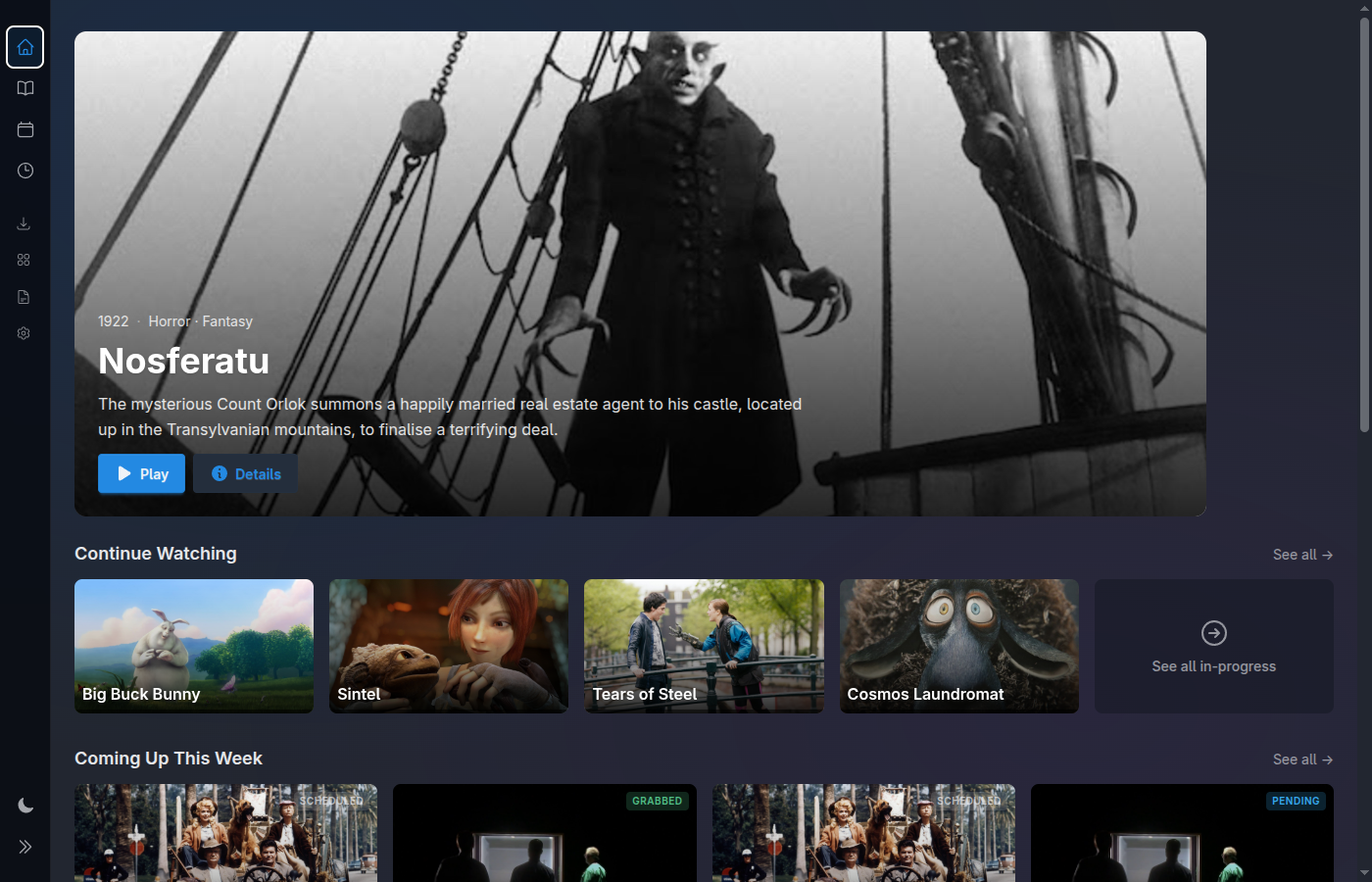
Media Centaur home screen, couch-ready
On the couch

Overlays driven by Lua and JSON IPC.

Media Centaur talks to mpv two ways: a Lua scripting surface for on-screen overlays, and a stable JSON IPC socket for control and progress. That's how the couch experience — next-up prompts, resume, track selection — appears over the video without bolting a second player on top.

At your desk it's keyboard-fast; on the couch a gamepad or remote drives the same overlays. One control surface, two postures. Talk to it with --input-ipc-server and a .lua script — the same primitives we use.

One press, and it's playing. Install in one line.

Downloads the latest release, verifies its checksum, and sets up a user service. Linux x86_64 is the primary, fully-supported platform; macOS Apple Silicon is experimental. Needs mpv on the same machine.

$ curl -fsSL https://raw.githubusercontent.com/media-centaur/media-centaur/main/installer/install.sh | sh